
Characters came out wrong or missing. What should I do?
Delete a wrong name from the scene’s tag list or from the whole project, merge two names for the same person on the Reports screen, and add a missing character by selecting their name in the text.
Where characters come from
- When the script is read, every character who speaks is added as cast from their character line.
- The AI breakdown also adds characters who are in the scene and doing something without speaking. It doesn’t add a character who is only mentioned in dialogue.
- A character speaking as a voice-over, off screen or on the phone isn’t counted as a separate person: AYLİN V.O. counts as AYLİN.
- A character’s younger version becomes separate cast with a (CHILD) tag. In a Turkish script the tag is (ÇOCUK).
A wrong name in one scene
-
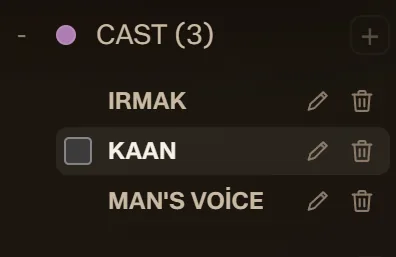
Click the scene in the left panel. Its tags open below it; click the name of the Cast group.
-
Click the trash icon to the right of the wrong name and confirm. The name is removed from this scene and doesn’t come back. The script text doesn’t change.
-
For some names, the trash icon turns the line into action. That’s a name the script reading took for a character line but never saved as cast. The app asks first and says how many lines will change. If you confirm, every character line with that name in the scene becomes action, the dialogue isn’t deleted, and the name leaves the list. If it really is a character, click the pencil instead of the trash icon: the name is saved as cast.
A name across many scenes
A name printed on the PDF’s pages (a watermark) may have been read as a character.
-
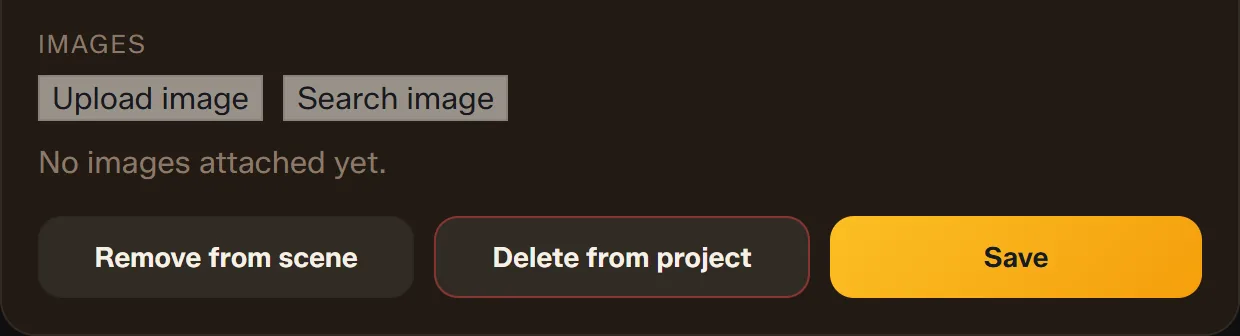
Click the pencil to the right of the name. The Edit Tag window opens.
-
Click Delete from project and confirm. The name is removed from every scene and every list.
-
If it still shows up in a scene, it was read as a character line there: click the trash icon in that scene, as in step three above.
If the name is spread across so many scenes that cleaning up would take long, write to hello@dekupa.com with the project name.
The same person under two names
-
In the top menu, open Reports under Script.
-
Pick cast in the category list on the left, then click the name you want to get rid of.
-
In the Merge section, choose the name to keep from the Merge into… list and click Merge.
-
Click Continue, then Yes, merge. All the scenes of the name you opened move to the one you chose. This can’t be undone.
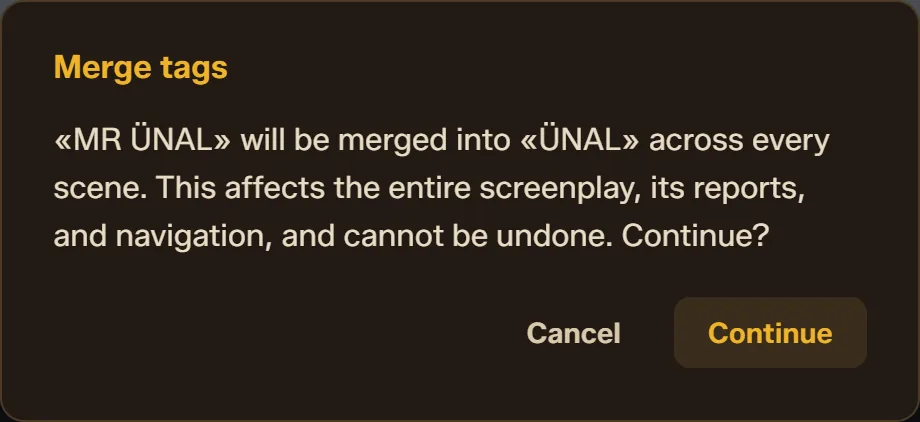
To merge in one scene only, tick the box to the left of both names in the scene’s tag list (it appears when your mouse is over the row) and click Merge. Other scenes don’t change.
A missing character
If the AI breakdown didn’t add a character who doesn’t speak, or you didn’t run one, select the name in the text and choose the Cast category. Tagging by hand: How do I run my first breakdown?
If it doesn’t work
- The same character also shows up with a (CHILD) tag.
- The script says the character is a child in that scene: a word like CHILD, KID or YOUNG on the character line, or an age of 15 or under next to the name. The younger version is counted separately because another actor usually plays it. If you want one person, merge them on the Reports screen.
- A name I deleted is still in other scenes.
- The trash icon in the list removes the name from that scene only. To remove it from the whole project, click the name’s pencil and use Delete from project.
- The Merge button is greyed out or missing.
- Only items in the same category can be merged, and the dropdown lists only those. The button turns on once you pick a name from the dropdown. On a project shared with you, you need permission to merge.