
My script uploaded but no scenes came out. What now?
First click Retry parse; if nothing changes, export the script again as a PDF with selectable text or an FDX, and upload that.
Steps
-
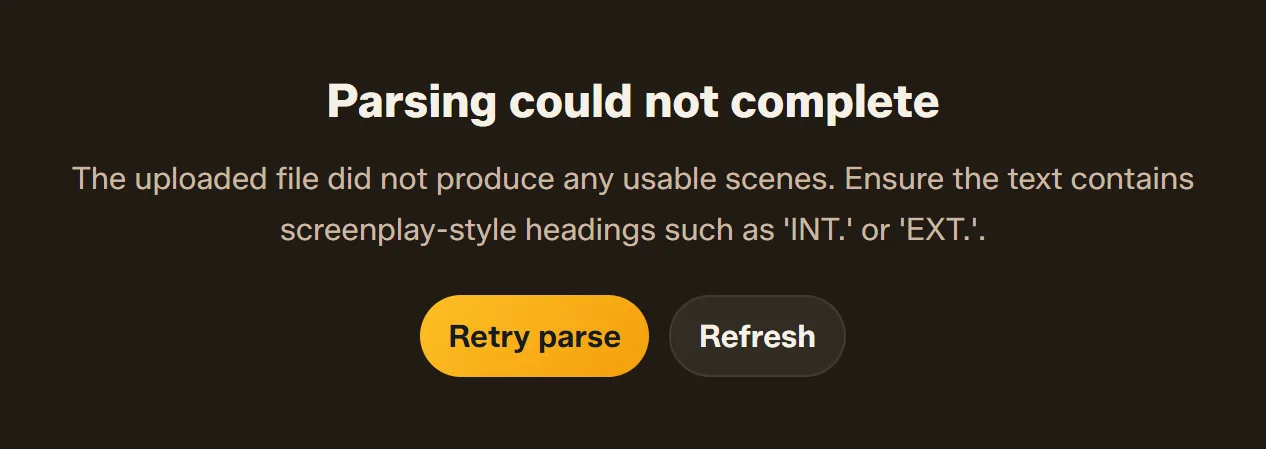
If the screen says Parsing could not complete, read the message below it. You’ll find what it means further down.
-
Click Retry parse. If the project is shared with you as read-only you won’t see this button, so let the owner know.
-
If nothing changes, export the script again from your writing software as PDF or FDX. In a PDF, make sure you can select the text with your mouse.
-
In the top menu, open Versions under Script and add the new file with Upload New Version.
-
If scenes still don’t come out, write to hello@dekupa.com with the project name and the message on screen. You don’t need to send the script file.
What the message means
Processing this file went past the time limit. Export the screenplay as PDF or FDX again and upload it again.
The file took too long. Exporting and uploading it again is usually enough.This scanned PDF is over the page limit we can read. Upload a PDF with a text layer or an FDX, or split the scan into shorter parts.
The limit for a scanned PDF is 400 pages..doc and .docx are no longer supported. Export the screenplay as PDF or FDX and upload it again.
This only appears when reprocessing an old Word upload.- A message starting with “The uploaded file did not produce any usable scenes”: The scene headings weren’t recognised. Headings are read in these forms:
INT. LIBRARY - DAY,SCENE 12A EXT.,INT - DAY / TV STUDIO,İÇ. KÜTÜPHANE - GÜN.
If it doesn’t work
- The screen sits on a percentage for a long time.
- A scanned PDF is read page by page, so it takes a while. Reading continues even if you close the page. If it goes past the time limit, the screen says so.
- Scenes came out but the text is broken or jumbled.
- Look at the badge above the script. If it says Scanned PDF (OCR) or PDF (text only), the layout could not be read properly. Upload an FDX or a PDF with selectable text.
- I can’t upload the file at all.
- Check the file type and size: .fdx or .pdf, up to 30 MB.