
What do I do if I forgot my password?
On the sign-in screen, click Forgot password, enter your email address and use the link we send you to set a new password within 1 hour.
If you know your password and only want to change it: How do I change my password?.
Steps
-
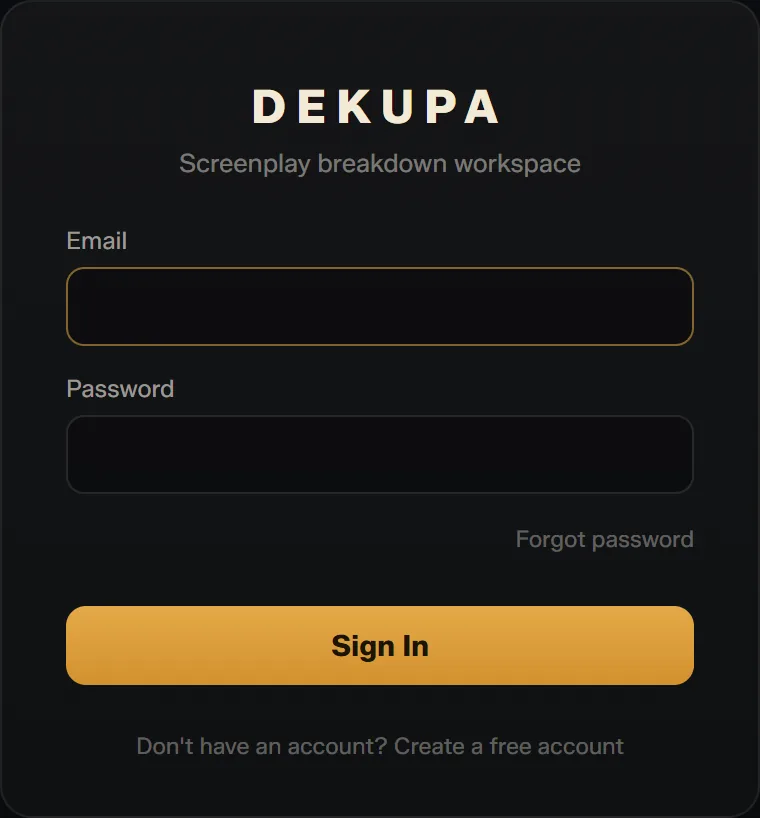
On the sign-in screen, click Forgot password below the password field.
-
Type the email address you signed up with and click Send reset link.
-
Open the Dekupa email in your inbox and click the link inside. The link is valid for 1 hour and works once.
-
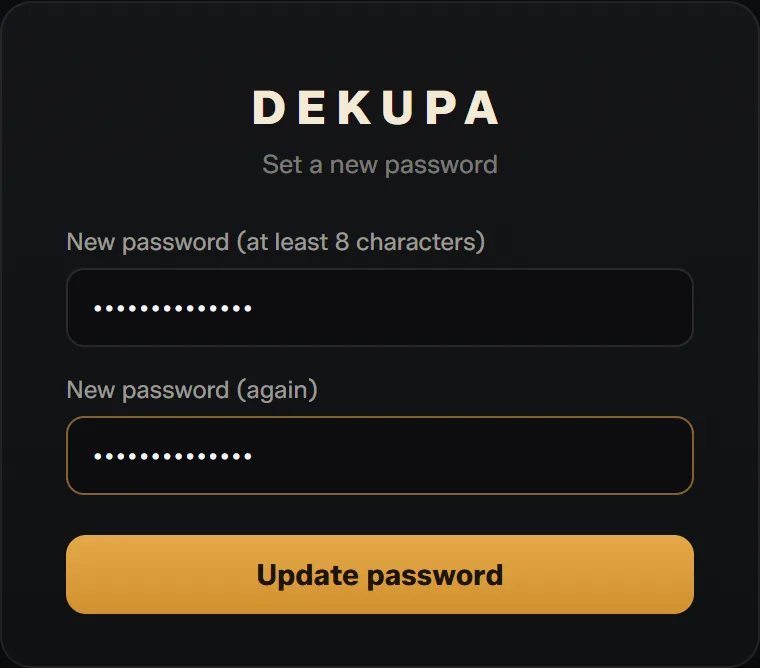
On the page that opens, type your new password in New password (at least 8 characters) and again in New password (again).
-
Click Update password. The screen shows
Your password has been updated. You can sign in now.
-
Click Sign In to go back to the sign-in screen and sign in with your new password.
When your password changes, we send a notice to your email address. If you didn’t change it yourself, write to hello@dekupa.com right away.
If the screen says there have been too many attempts, wait a little and try again.
If it doesn’t work
- The reset email didn’t arrive.
- Check your spam folder first, and make sure you typed the address you signed up with: the screen shows the same message whether or not an account exists for it. If it still doesn’t come, write to hello@dekupa.com.
- It says the link is invalid or has expired.
- A link is valid for 1 hour and works once. If you already changed your password with one link, your other links stop working too. Ask for a new one with Forgot password.
- My new password isn’t accepted.
- It needs at least 8 characters, and you have to type the same text in both fields.